Document templates
Document Templates define what a deliverable must say and how. Define reusable section structures and writing guidance for documents generated within projects.
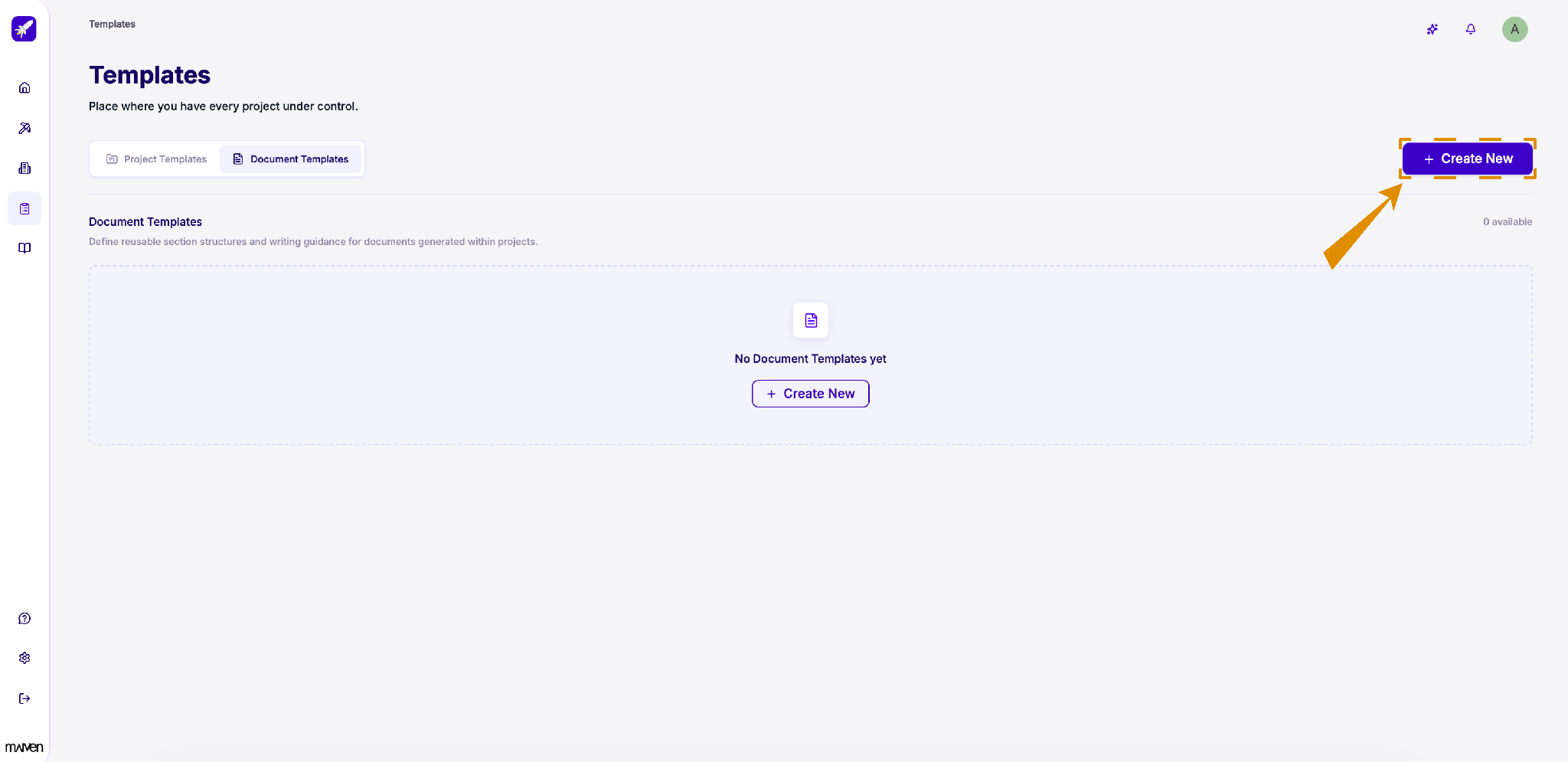
Click “+ Create New” in the top-right corner to start a new template.
Go with one of the options:
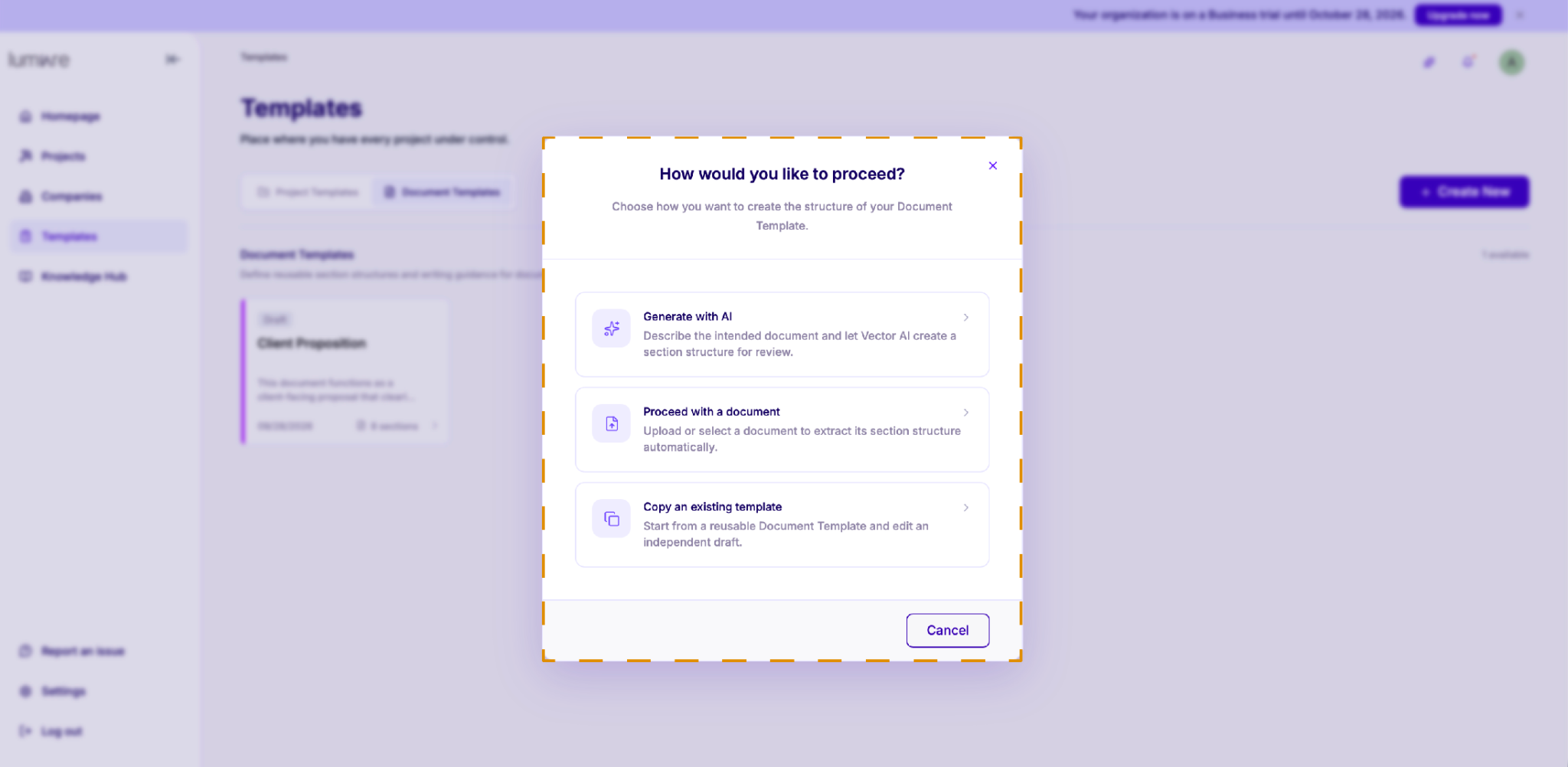
Generate with AI
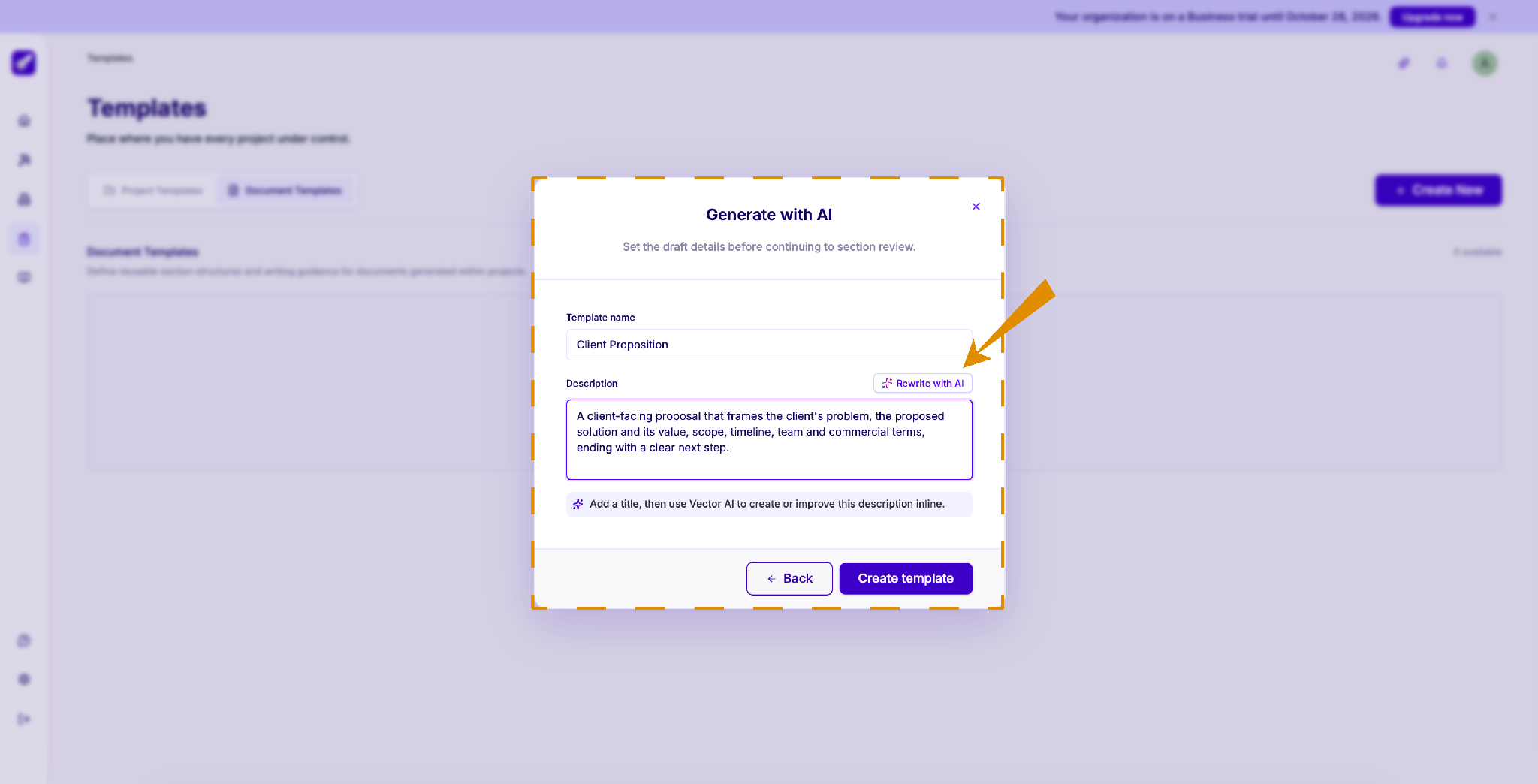
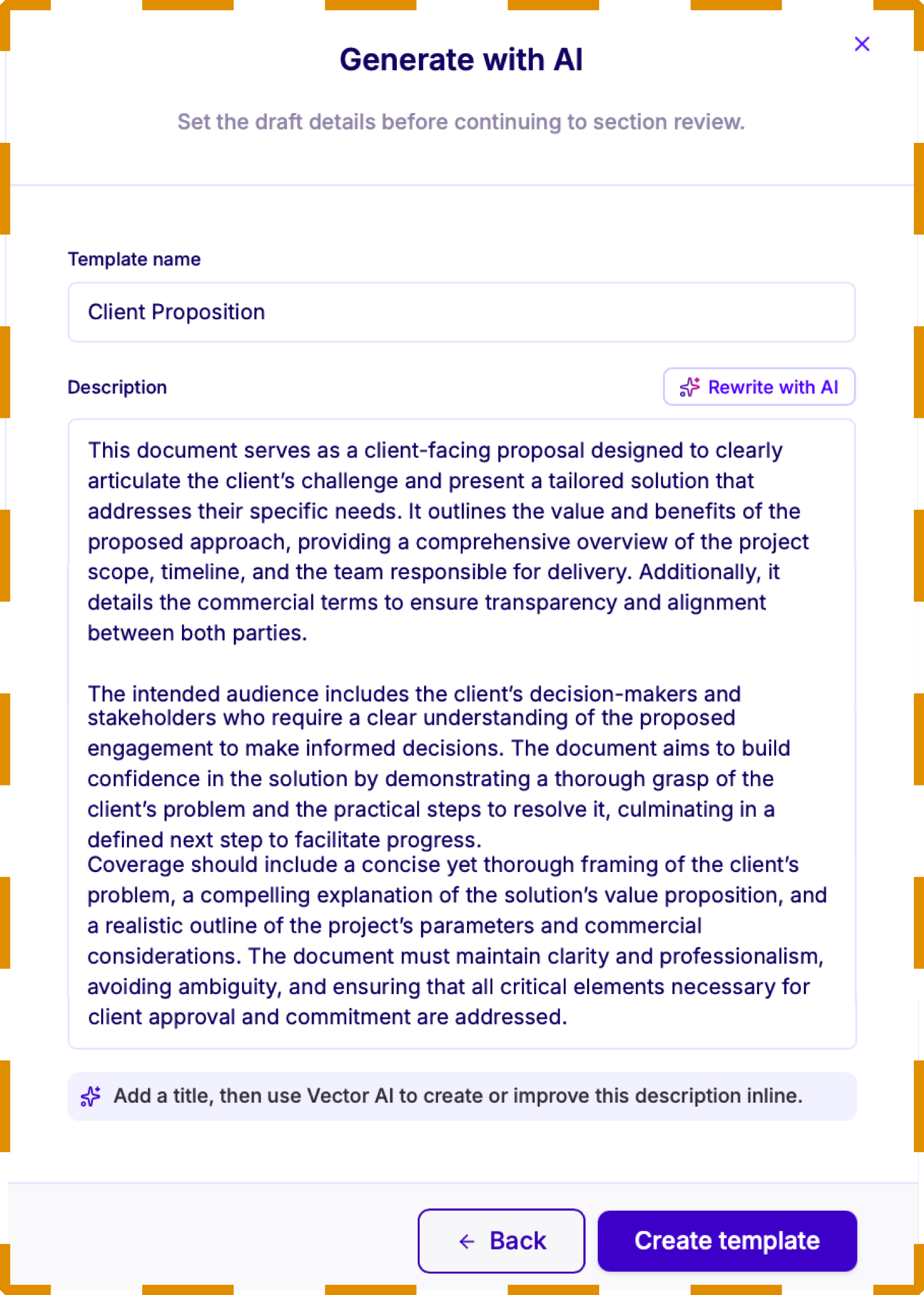
Give your template a clear name and description
The more specific you are, the better the agent can generate the right sections for your document template.
Tip: Once you've written a description, click “Rewrite with AI” to refine it.
Review the suggested sections
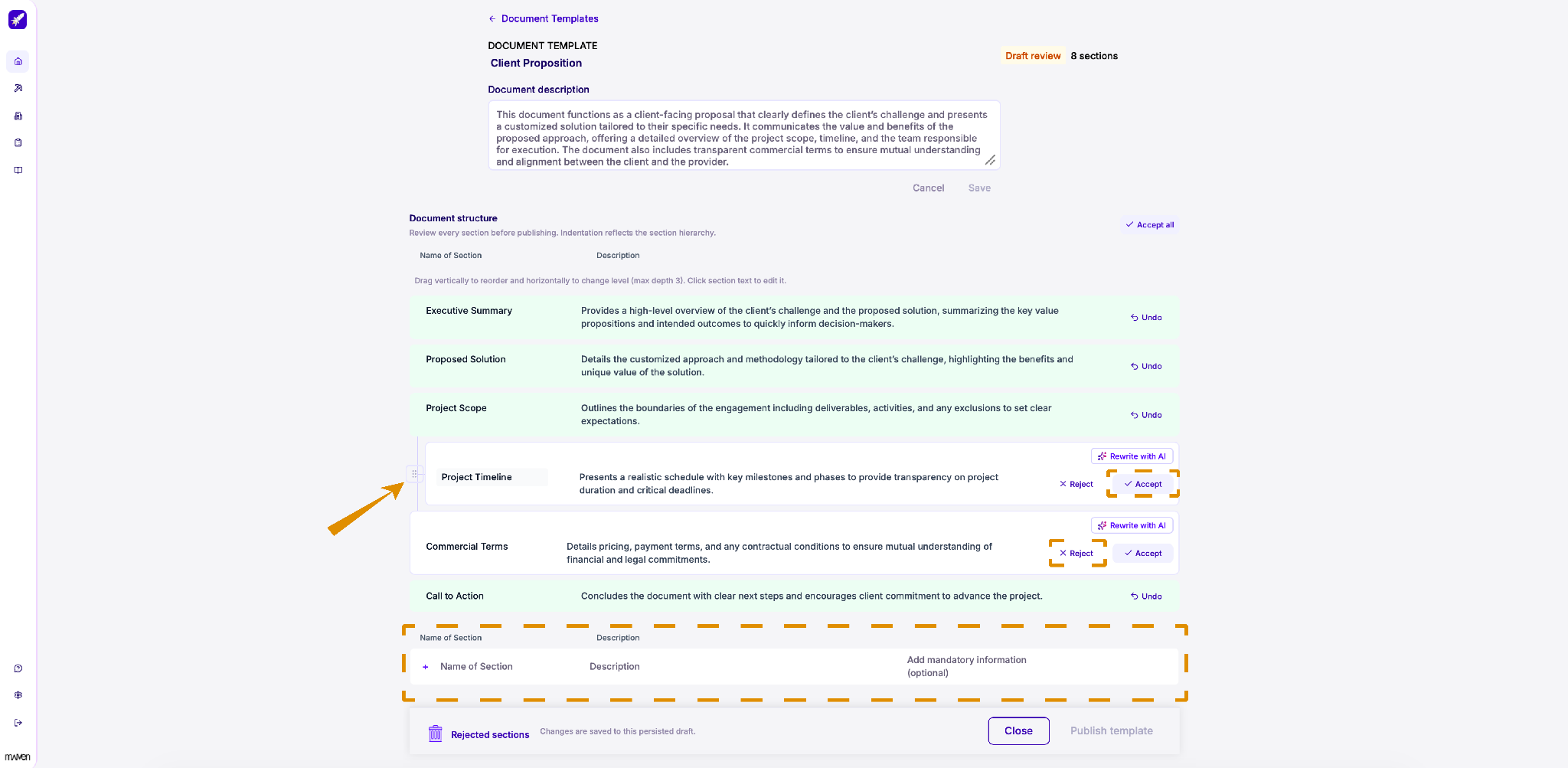
Vector AI generates a document structure based on your description.
-
Review each section and click Accept to keep it or Reject to remove it. Click Undo to reverse a decision, or Accept all to approve every section at once.
-
To change the structure, drag sections up or down to reorder them, or left and right to change their level (up to three levels deep). Click any section's text to edit it, or use “Rewrite with AI” to improve its description.
-
Need a section that wasn't suggested? Add it at the bottom of the list by entering a name, a description, and any mandatory information.
-
When you're done, click “Publish template”. Your progress is saved as a draft, so you can close the page and come back later.
Proceed with a document
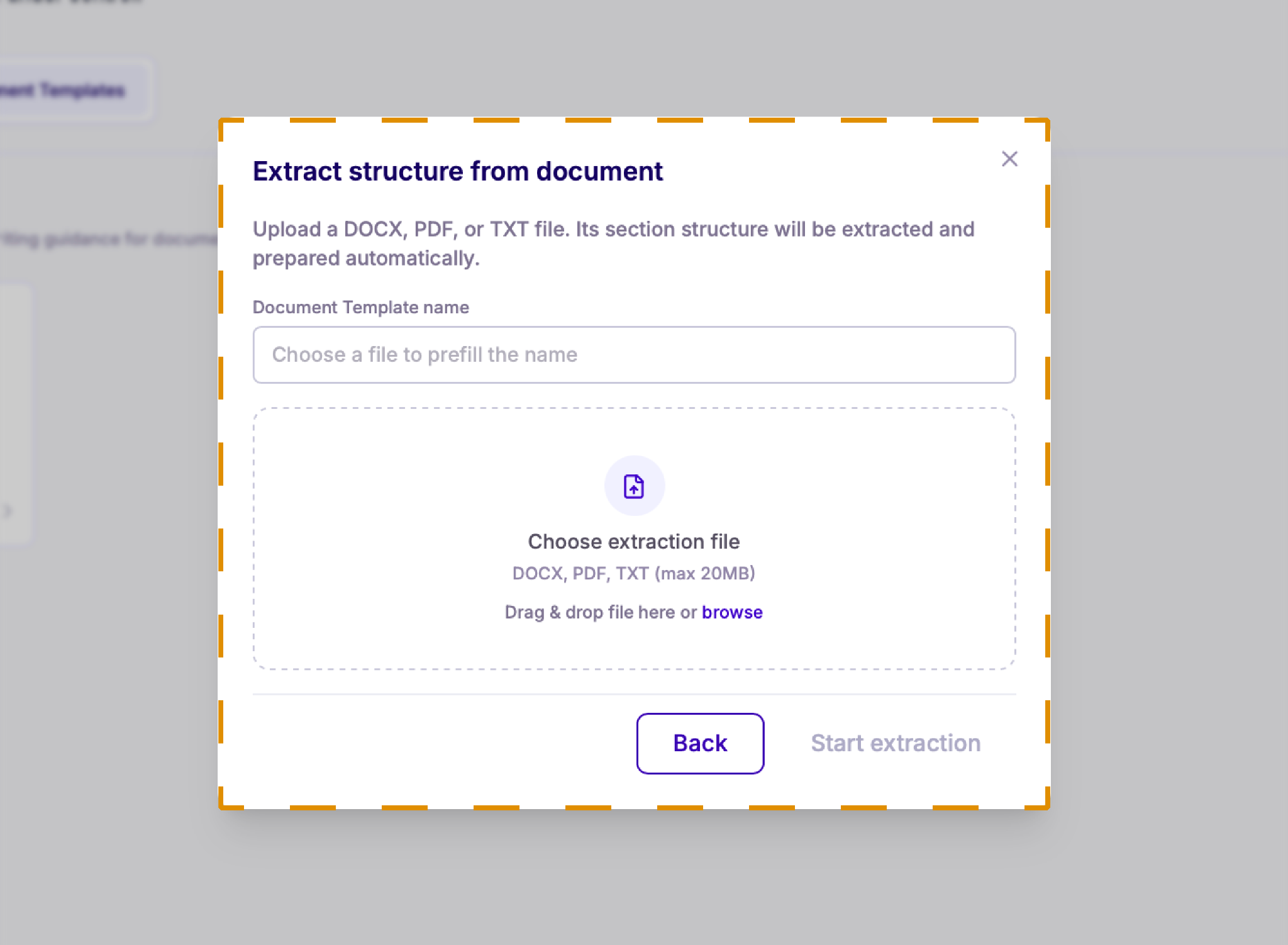
Already have a document you'd like to use as an example? Upload it, and its section structure will be extracted automatically.
Enter a name for your document template, then drag and drop your file into the upload area or click browse to select it. You can upload DOCX, PDF, or TXT files up to 20 MB. When you're ready, click Start extraction.
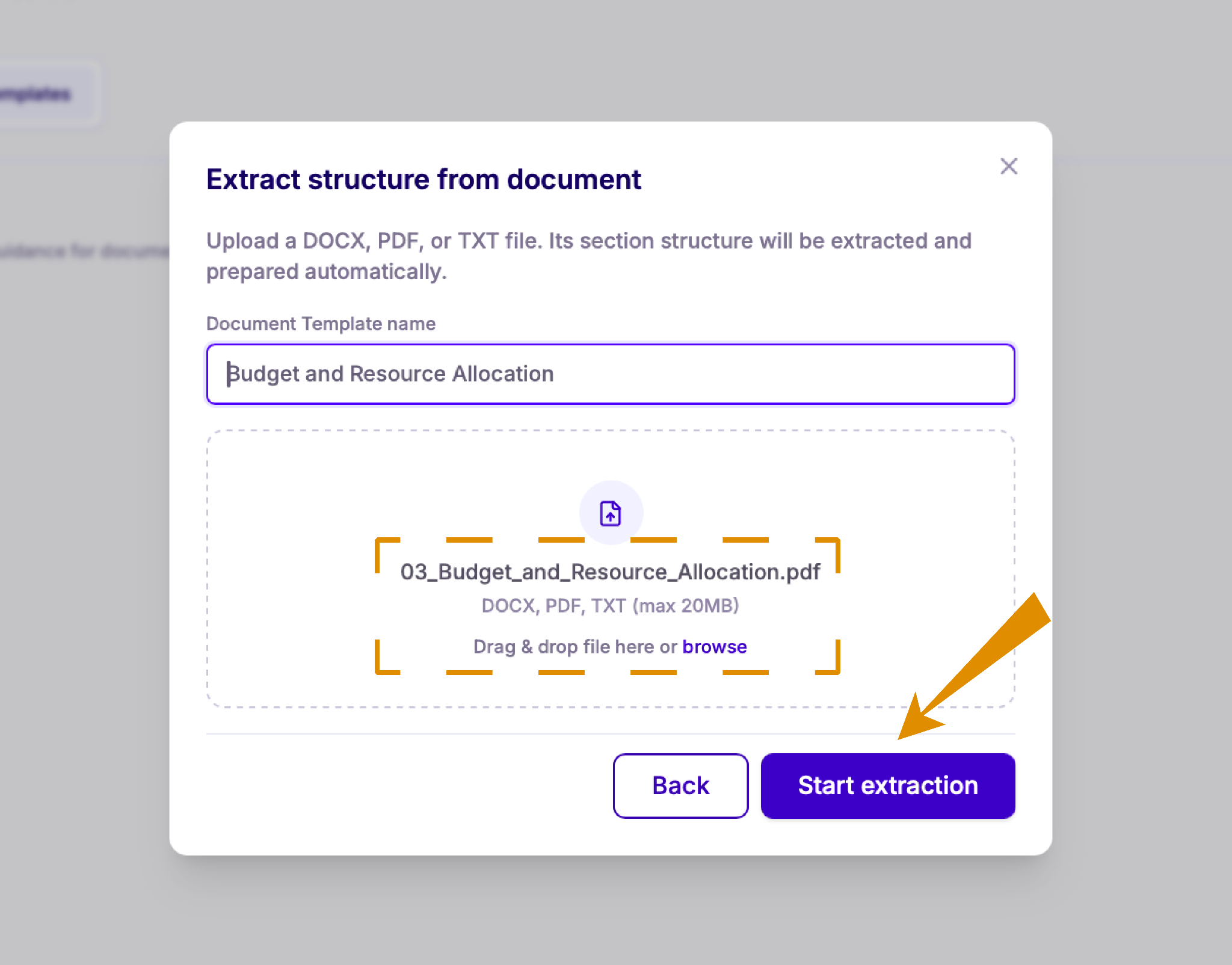
When the extraction finishes, you can review the sections the same way as AI-generated ones: accept, reject, reorder, or edit them before publishing.
Copy an existing template
Want to build on a template you've already made? Copy it and use it as your starting point.
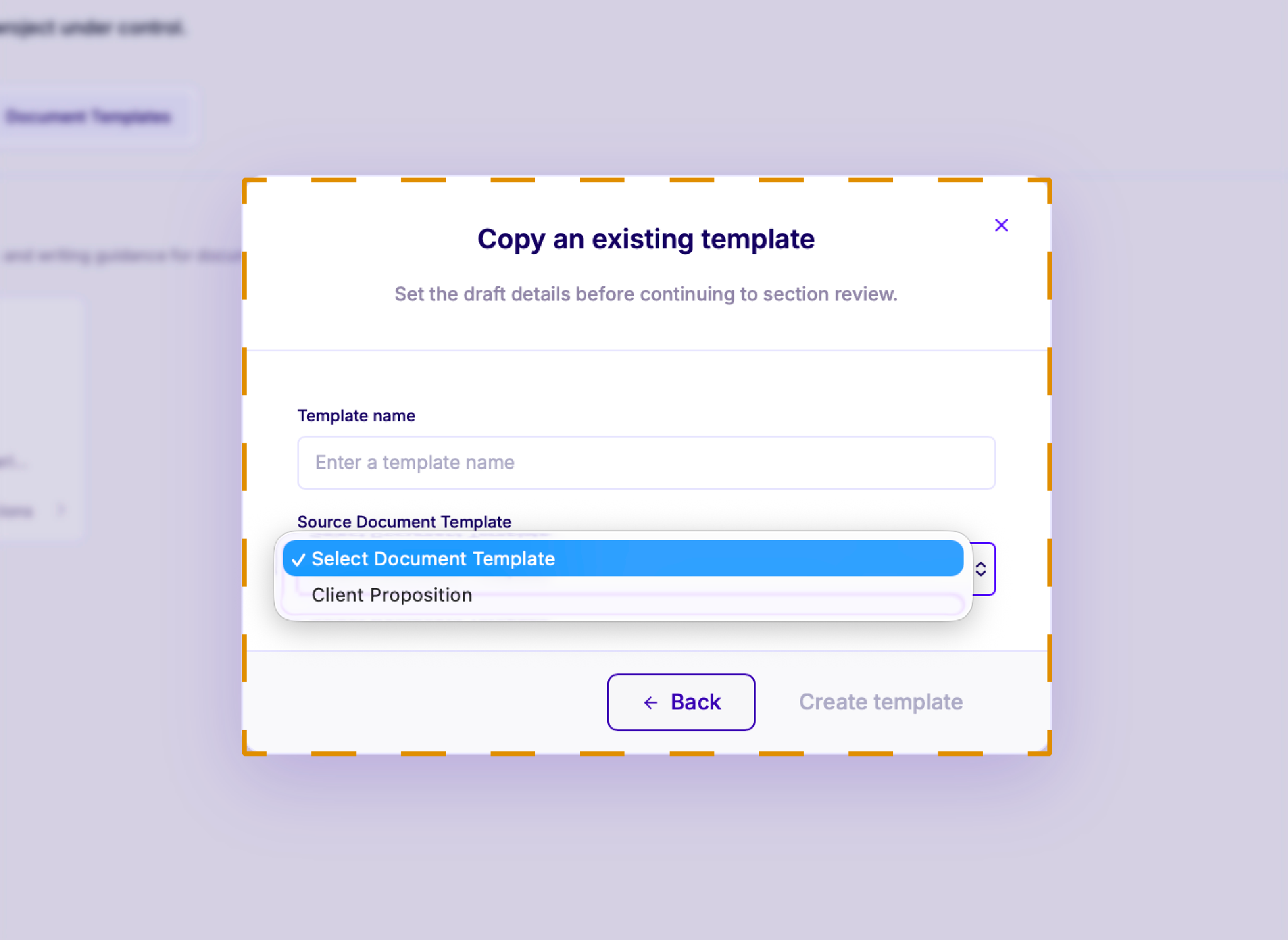
Enter a name for your new template, then pick the template you want to copy from the Source Document Template list.
Click Create template to continue to section review, where you can accept, reject, reorder, or edit the copied sections before publishing.